
Last updated: October 2026. Social and ad platforms change their features constantly, so check the official pages before any decision. We do not promise a specific result.
This guide on progressive web apps for stores is written for business owners in Syria, in Damascus, Aleppo, Homs, and Latakia, and for those serving the Syrian audience from Istanbul and Gaziantep, and it takes into account the reality of both markets and local buying habits.
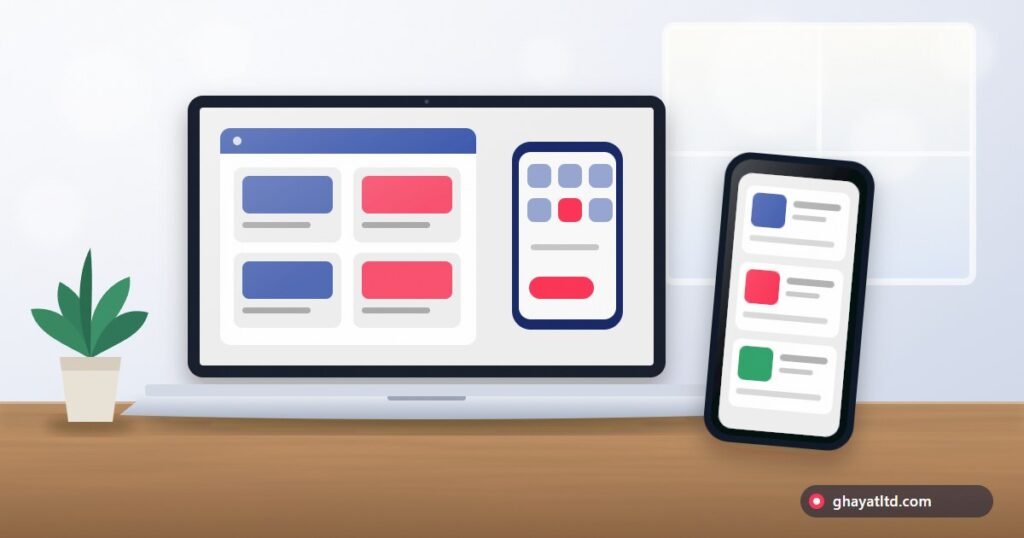
When your customers browse your store from mobile, they may wish to open it with a tap from the home screen like any app. You may think of a native app, but its cost, maintenance, and official store requirements exceed many businesses. Here the progressive web app (PWA) appears: a website that behaves like an app in several aspects. We explain the idea in simple language without technical complexity.
Quick Summary
- A PWA is a site that can be added to the home screen, works fast, and may support some functions offline.
- It suits stores and services whose customers repeat visits, and does not necessarily replace a good fast site.
- First try improving your site speed and mobile experience, then decide whether a PWA adds value worth the cost.
Article Contents
- Quick Summary
- What Is a Progressive Web App?
- A Comparison of Three Options
- When Does It Suit Your Store?
- Cost and Complexity: What You Should Know
- How to Try Before You Invest
- Common Mistakes
- What Does the User Experience with a PWA Look Like?
- A Technical Checklist for a Good PWA
- Questions to Ask Your Developer
- Lower-Cost Alternatives That May Be Enough
- PWA in Syria: Why May It Suit Our Networks?
- Frequently Asked Questions
- Sources and References
What Is a Progressive Web App?
It is a site built with modern technologies that allow it: installation on the home screen with an icon, opening in full screen without the browser bar, storing some files for faster loading on later visits, the ability to work partially when connection is weak, and in some cases notifications. It is not downloaded from an app store, but opened from a link and the visitor can add it themselves.
A Comparison of Three Options
| Feature | Regular site | Progressive web app | Native app |
|---|---|---|---|
| Cost and time | Lowest | Medium | Highest for each operating system |
| Appearance in Google | Excellent | Excellent if built correctly | Limited (an app is not a web page) |
| Installation | Not needed | Adding to the home screen with a few taps | Download from an app store |
| Offline work | No | Partially depending on design | Possible to higher degrees |
| Access to device features | Limited | Slightly wider, and differs between devices | The widest |
| Updates | Immediate upon publishing | Immediate upon publishing | Sometimes goes through store review |
When Does It Suit Your Store?
- Your customers return to buy regularly (grocery, supplies, restaurants, seasonal clothes) so the icon shortens the path for them.
- Your audience mainly uses mobile and some on weak networks, so caching speeds up the experience.
- You do not want to spend a native app budget on two systems, but you want an experience close to it.
- Your site is already fast and clear, and you want a next step in improving the experience.
When Do You Not Need It?
- Your visitors mostly visit once (a rarely purchased service), so they will not install anything on their screen.
- Your site is slow or confusing, so fix it first, as a PWA will not repair foundation flaws.
- You need deep device functions (advanced camera, sensors, background operation), where a native app may suit better.
Cost and Complexity: What You Should Know
| Point | What does it mean? |
|---|---|
| Hosting and security | Requires an encrypted connection (HTTPS) and fast, stable hosting |
| Mobile design | A touch-friendly interface and high loading speed |
| Maintenance | Updating stored files and managing versions so the user does not see old content |
| Differences between devices | Some features work differently across operating systems and browsers, so test on real devices |
| SEO | Pages must remain crawlable and understood by Google |
How to Try Before You Invest
- Measure your current site speed on mobile and improve the basics: images, caching, hosting.
- Ask your regular customers: would they prefer opening the store from an icon? And what bothers them now?
- Try a simple PWA version: an icon, an install manifest, and caching of core pages.
- Measure over a month: how many installed? Did return visits increase? Did repeat purchase improve?
- Decide to expand or stop according to the numbers.
Common Mistakes
- Treating a PWA as a magic solution for a slow site.
- Not testing the app on customers actual devices.
- Excessive caching that shows old content or old prices, which kills trust in stores.
- Neglecting the privacy policy and notifications: do not send annoying notifications.
- Spending a large budget before making sure customers will use it.
What Does the User Experience with a PWA Look Like?
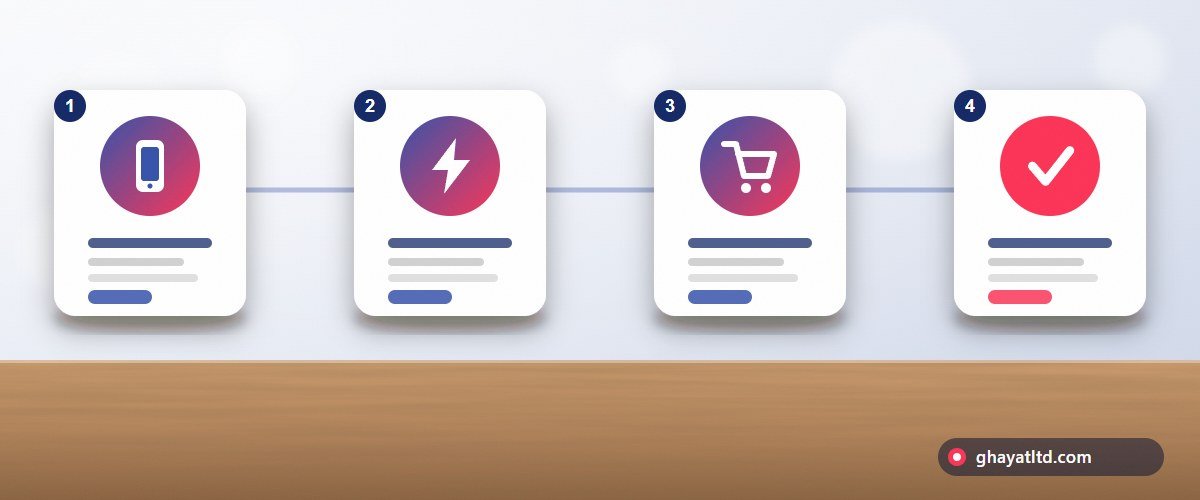
- The visitor opens the store link from an ad, WhatsApp, or Google search, and finds a fast page with a mobile-comfortable design.
- He browses products, and a polite suggestion may appear to add the store to the home screen.
- If he adds it, the store gets an icon beside the other apps and opens full screen.
- On later visits the core pages load faster thanks to caching, and some sections can be browsed when the network is weak.
- When ordering he taps the WhatsApp button or completes the purchase in the way you offer.
A Technical Checklist for a Good PWA
| Item | Why? |
|---|---|
| Encrypted HTTPS on all pages | A basic requirement for installation, security, and visitor trust |
| An app manifest file with a name and icons in suitable sizes | Makes the icon and name elegant on the home screen |
| A service worker caching core files | Speeds up loading and allows partial offline work |
| Responsive design with large buttons | A comfortable touch experience on any screen size |
| A fallback page when offline | Politely tells the visitor instead of the browser error message |
| Good mobile performance | The basis of experience, Google ranking, and ad efficiency |
Questions to Ask Your Developer
- How will you handle updating prices and stock so the customer does not see old information?
- On which devices and browsers was the work tested, and what happens on older devices?
- How does the site remain crawlable and understood by Google, and will pages break without JavaScript?
- How will the result be measured after launch: installs, return visits, and orders?
- Who owns the code, hosting, and files after delivery, and how is maintenance managed?
Lower-Cost Alternatives That May Be Enough
| Alternative | When is it enough? |
|---|---|
| A fast site with an excellent mobile design | When customers do not repeat much and you want the best result with the least complexity |
| A WhatsApp Business catalog | When ordering and dialogue already happen in the chat |
| A Facebook or Instagram page with an integrated shop | When you start and want to test demand before building an independent store |
The wise decision is gradual: improve speed, then make sure customers need the app, then invest in a small measurable stage.
PWA in Syria: Why May It Suit Our Networks?
The caching feature in progressive web apps helps the audience in Syria particularly: core pages load faster on the next visit, and the experience is steadier when the network weakens. It is cheaper than a native app for two systems, and does not need an official store that may not be within everyone reach. But site speed and simplicity remain the foundation.
- Measure your current site speed on a mobile with a regular network before any investment.
- Ask your regular customers in Syria: would they install the store icon on their screen?
- Make sure prices and stock update immediately so the customer does not see old information.
Frequently Asked Questions
Does a PWA replace a store app in Syria?
Often enough for most small and medium stores, but deep device functions need a native app.
Is a PWA cheaper than a native app?
Often yes, because it is one version working on multiple systems, but quality requires careful design and testing.
Does a PWA appear in app stores?
Not automatically. It is opened from the link and added from the browser, and some stores allow specific packaging, which may differ across platforms.
Does it affect SEO?
If built correctly with crawlable pages it serves SEO by its speed. But if it relies on rendering that hides content from Google it may harm.
Does Ghayat build PWA stores?
We first assess your need and site speed, then suggest the most suitable between improving the current site or a PWA, and clarify the cost at a clear total price.
Sources and References
Consult Ghayat on your store mobile experience
Related articles
 A Marketing Guide to Entering the Syrian Market: Practical Steps for Companies and Entrepreneurs from Turkey and Abroad to Understand the Audience, Build Trust, and Start Smartly
 Why Are Facebook Pages and Ad Accounts Restricted? Common Causes, Prevention, and Recovery Steps for Business Owners in Syria and Turkey
 Marketing Multiple Branches and Franchises: How Your Brand Expands from One City to Another Without Losing Its Identity in Syria and Turkey


